GPath CNC
Mill, drill, and carve out your ideas
2D design software for CNC routers and milling machines.
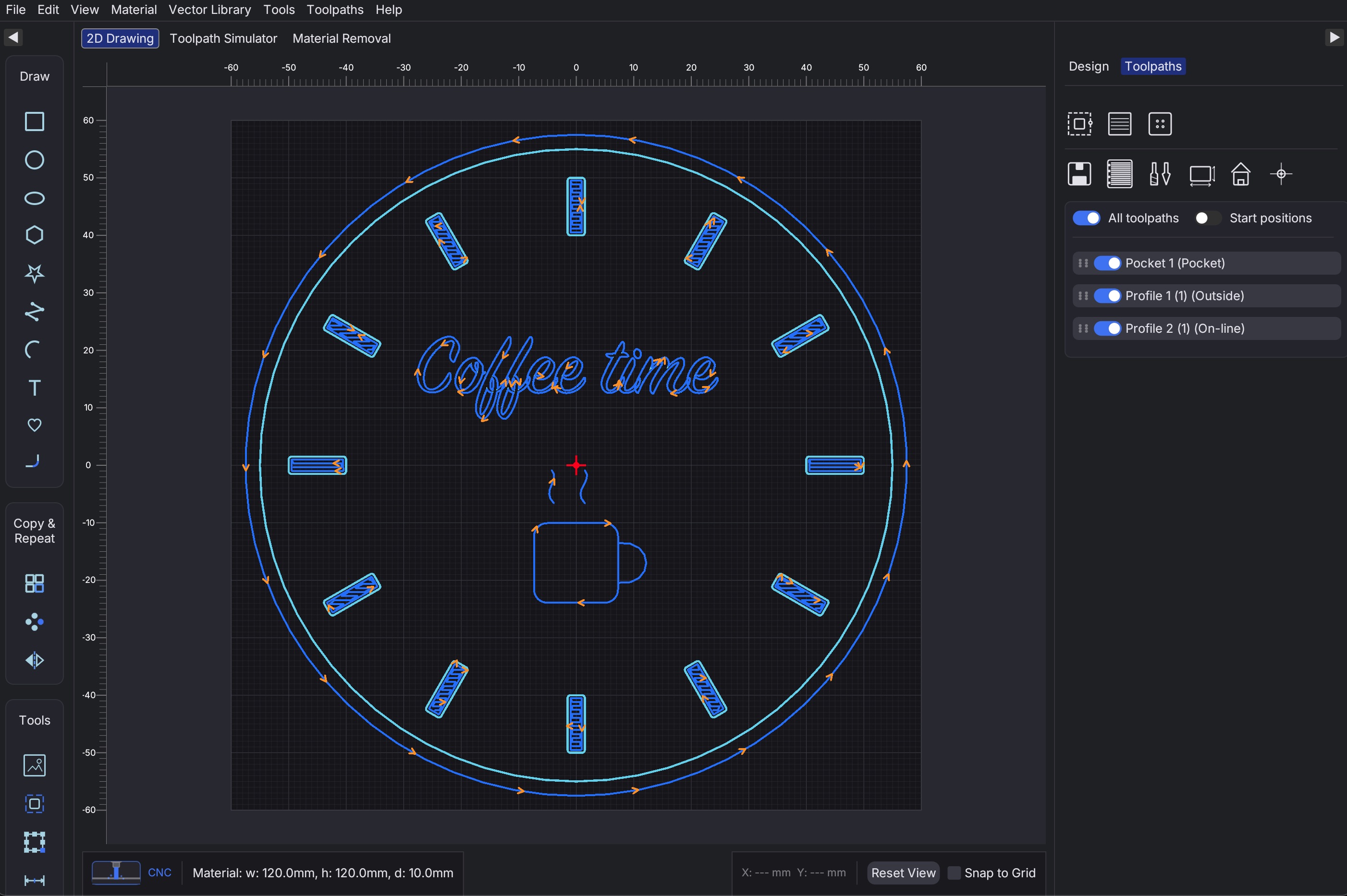
Home Workshop & Hobbyists
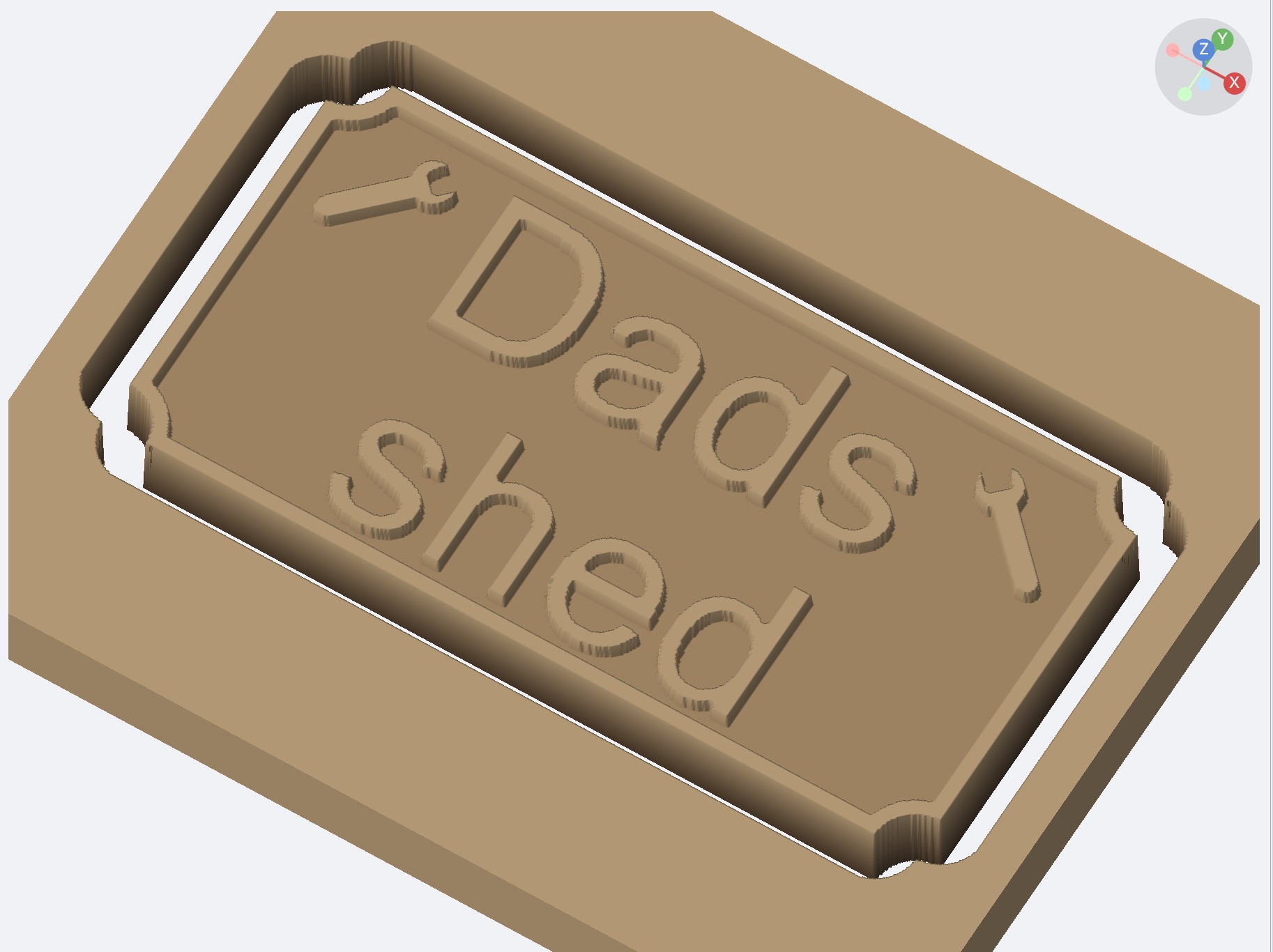
Custom Signage & Branding

CNC Woodworking & Joinery
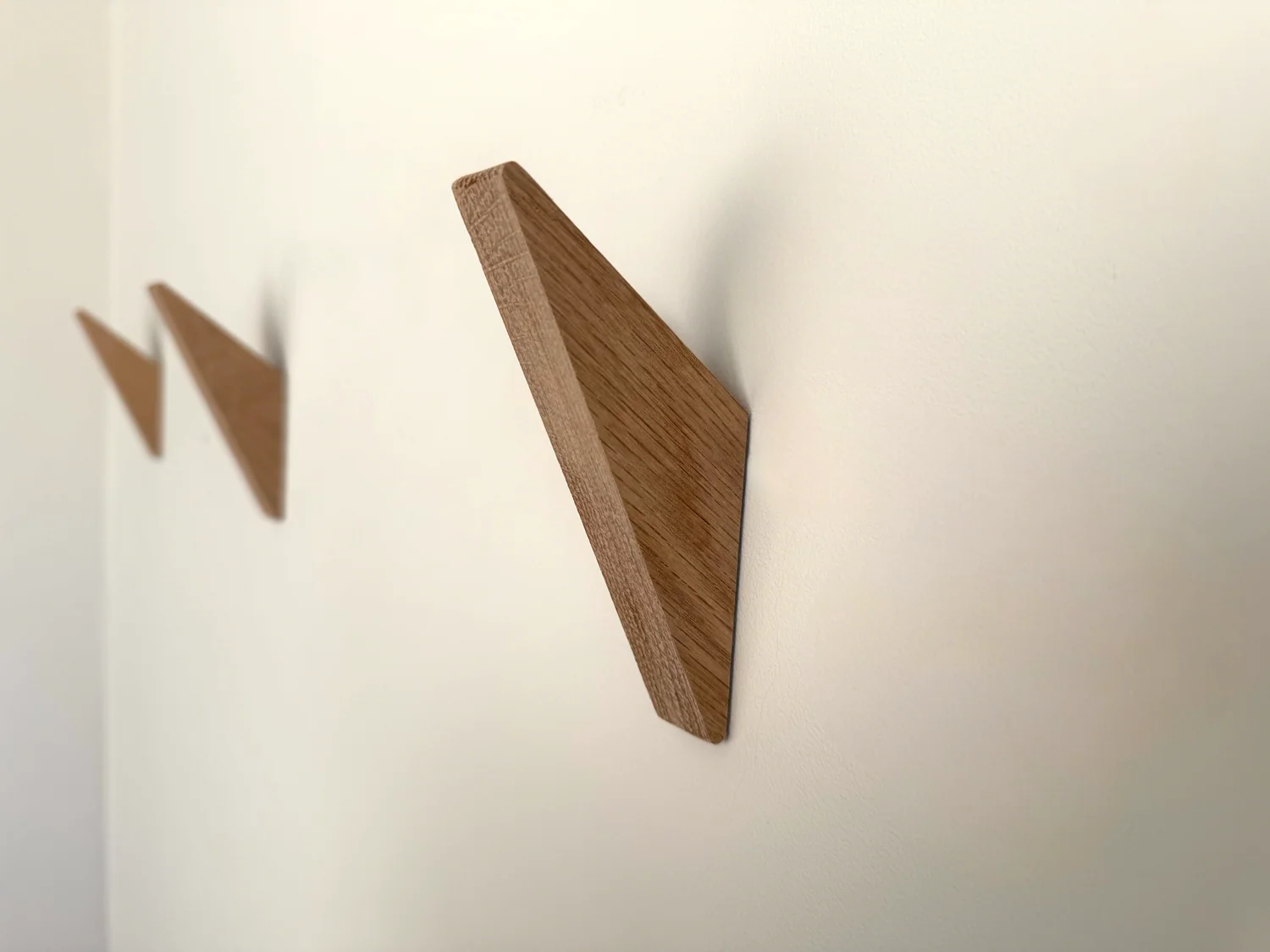
Etsy & Online Sellers
Explore GPath CNC
From sketch to G-code in minutes. Built-in strategies, toolpath preview and post processors for your machine.
Built for makers
Hobbyists, side hustlers, and workshops.
Mill, drill, and carve out your ideas
2D design software for CNC routers and milling machines.
Home Workshop & Hobbyists
Custom Signage & Branding
CNC Woodworking & Joinery
Etsy & Online Sellers
Design, import images, cut, and engrave
2D design and control software for laser cutters and engravers.
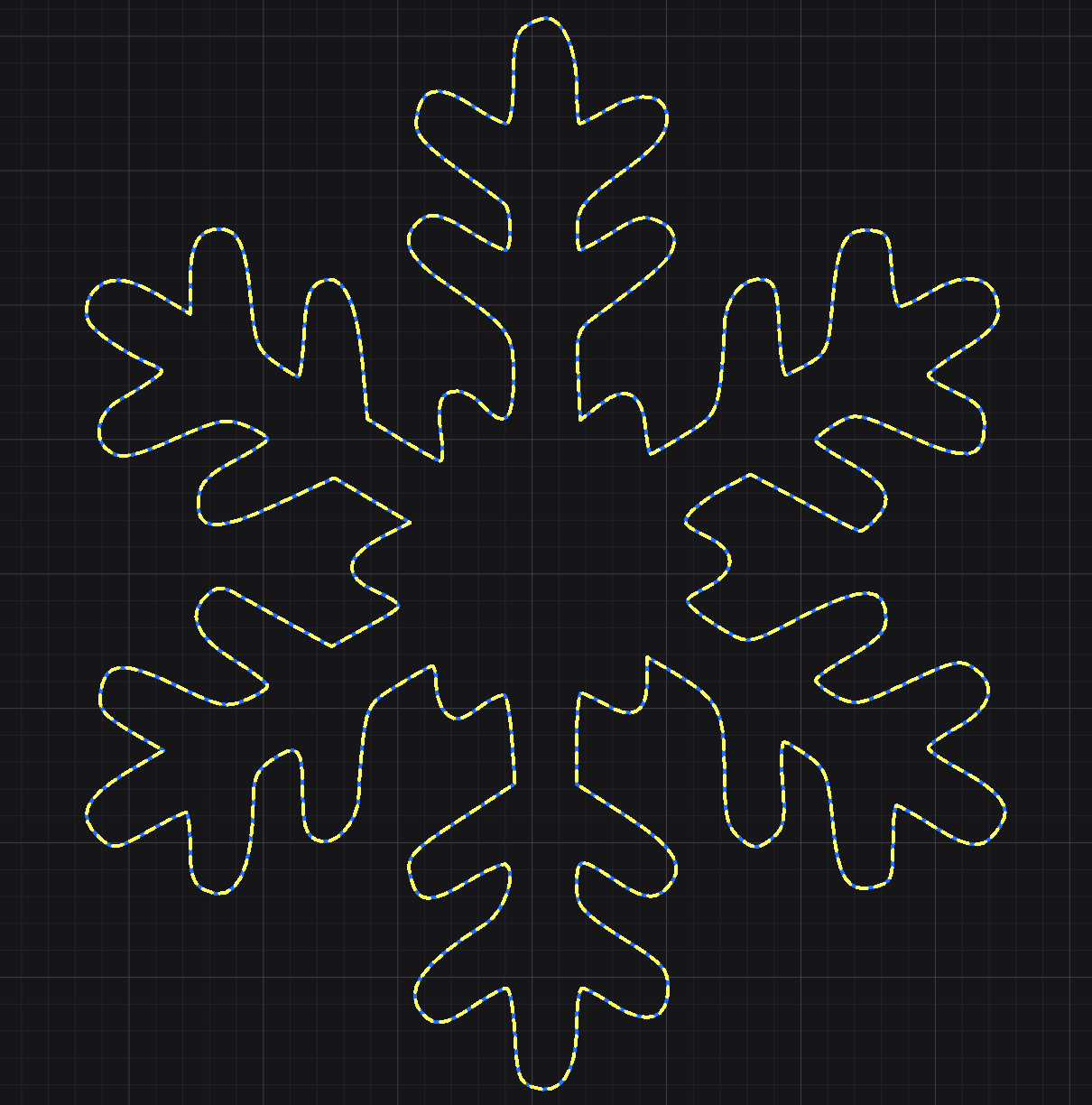
Home Workshop & Hobbyists
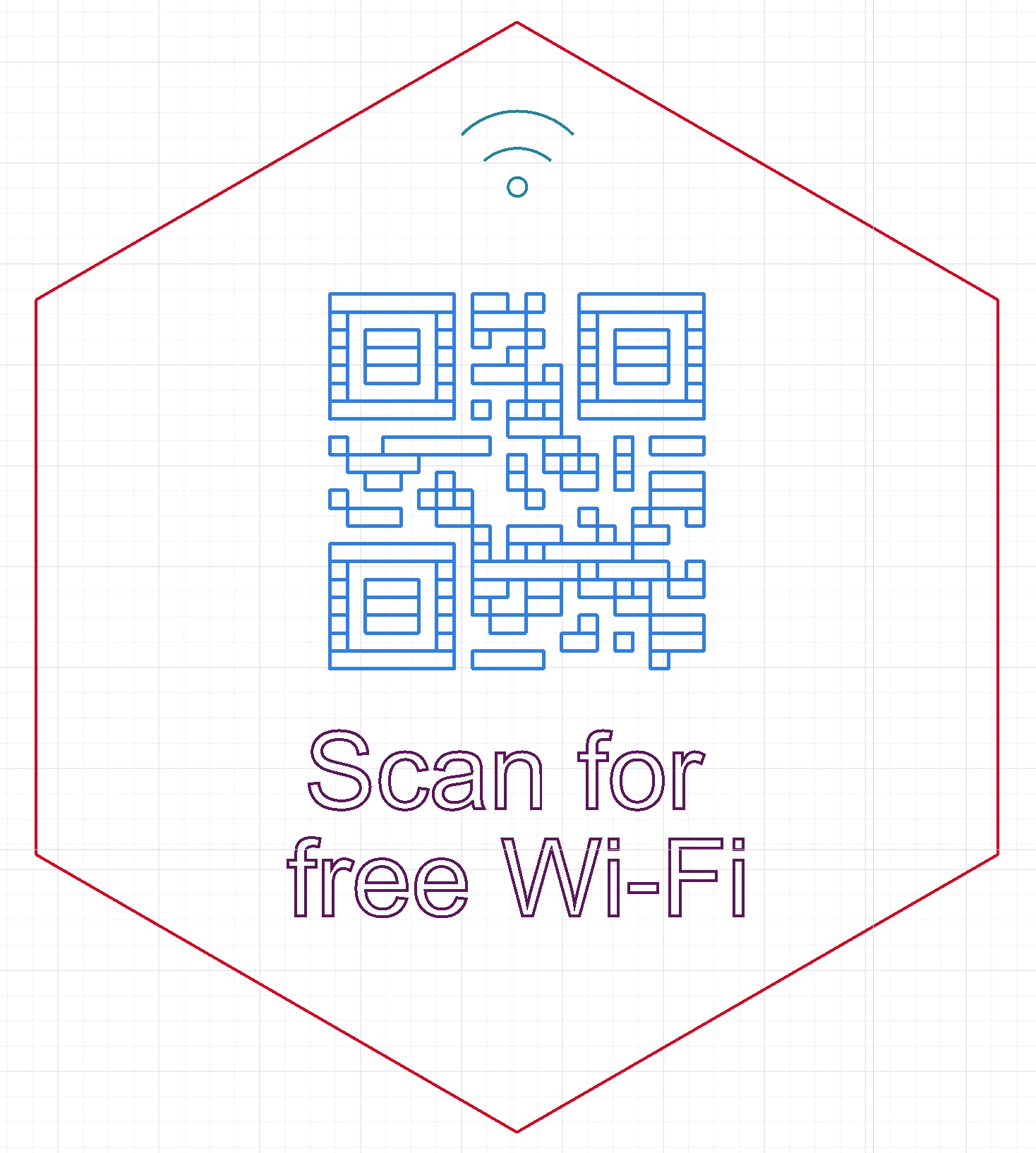
Custom Signage & Branding
Personalized Gifts & Keepsakes
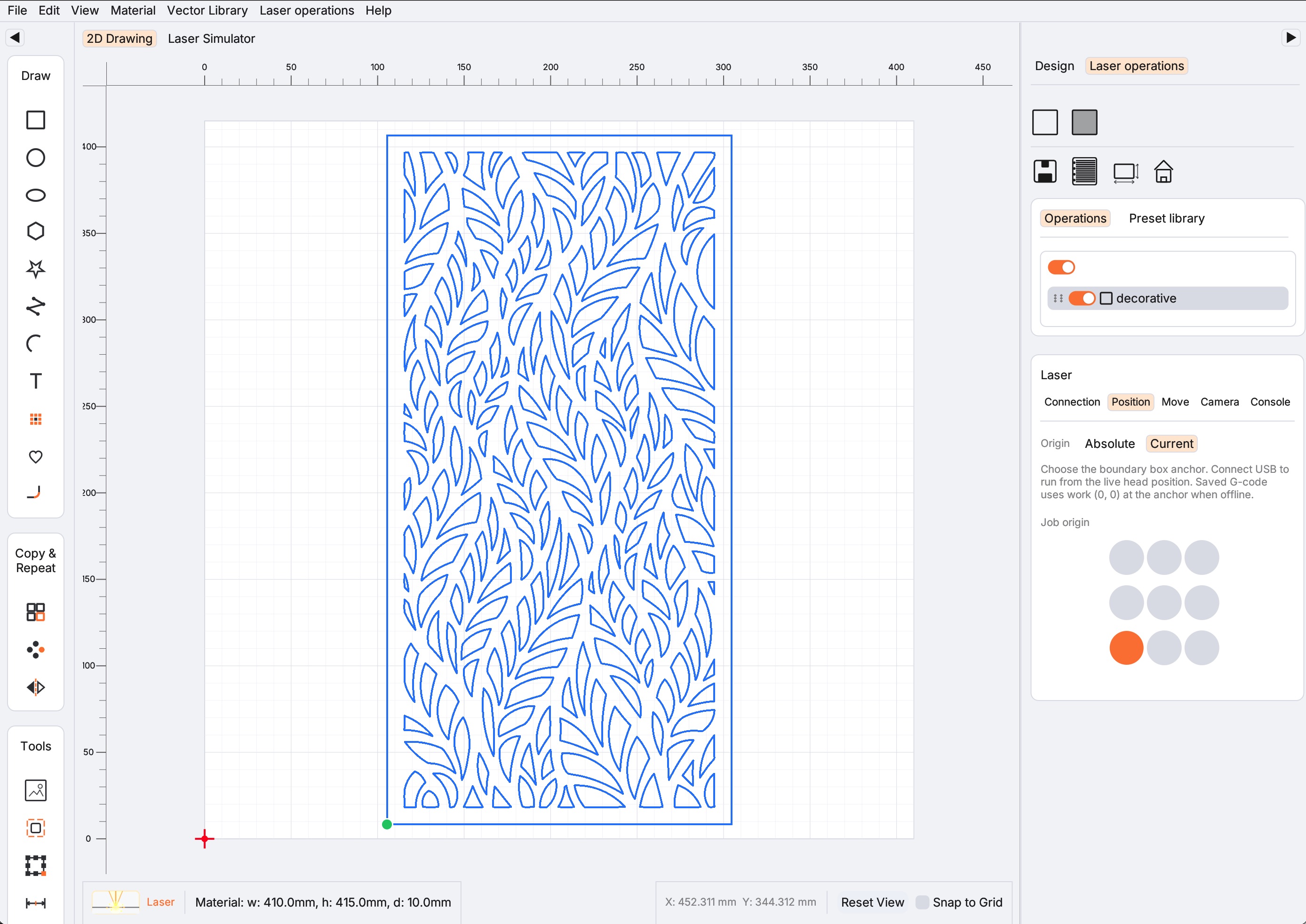
Etsy & Online Sellers
Features
GPath CNC and GPath Laser are independent releases that share a powerful drawing core. Each adds specialised tools for routing or laser cutting — from design through export.
Squares, circles, polygons, polylines, arcs, and text. Configure corner radius, fillet types, rotation, and start points per shape.
Organise shapes across named, color-coded layers with independent visibility and lock controls.
Measure linear distance, angles, and X/Y deltas directly on canvas. Add construction guidelines for precise alignment.
Work in millimetres or inches. Automatic unit formatting with appropriate decimal precision throughout the UI and generated G-code.
Type text with system or built-in fonts, configure size, spacing, alignment, and style — then generate toolpaths or laser operations directly.
Circular arrays, grid arrays, and horizontal/vertical mirroring to rapidly populate your workpiece.
Browse ready-made vector icons, insert them on the canvas, and assign toolpaths or laser operations. Scale, rotate, and combine library shapes with your own geometry.
Profile, pocket, and drill toolpaths in GPath CNC. Inside, outside, on-line, and offset or zigzag pocket strategies with optional finishing passes.
Configurable lead-in and lead-out moves on profile toolpaths. Smooth, zig-zag, and spiral ramping for gradual Z entry — preview in the simulator before export.
Save and reuse cutters in GPath CNC with preset diameter, feed rates, step-over, step-down, plunge rate, and spindle speed.
Standard radius fillets, DogBone overcuts, and T-Bone fillets — configurable per corner for CNC-ready internal corners.
Line, Fill, and Image operations in GPath Laser. Cut, score, engrave, and rasterise artwork with per-operation power, speed, and passes.
Connect to GRBL-class lasers over USB in GPath Laser. Jog, frame, set origin, run jobs, and use the command console to send G-code and controller inputs directly.
Grouped material libraries in GPath Laser with saved thicknesses and Cut/Fill settings you can reuse across projects.
Replay toolpaths and preview material removal in GPath CNC, or preview laser operations before export in GPath Laser.
Hardware-accelerated rendering, selection highlighting, and smooth pan & zoom in both apps.
Save and reopen projects in each app. Full undo/redo history and a recent-projects list for quick access.
Post-Processors
Built-in post-processors for popular controllers, plus a custom post-processor system via TOML config files.
The default for most hobby CNC routers and laser cutters. Full arc support (G2/G3), incremental IJK.
For more capable controllers. Canned drilling cycles, tool changes (M6), and work offsets (G54–G59).
Target 3D printer boards repurposed for CNC or laser work with Marlin firmware.