Back to home
GPath Laser
2D design and control software for laser cutters and engravers.
Draw or import artwork, set cut and engrave operations, connect to your laser machine, and export controller-ready G-code.
- Line, Fill, and Image laser operations with material presets
- USB machine control — jog, frame, run, and live position
- Laser simulator to preview your work
- Support for GRBL, grblHAL, FluidNC, and Marlin lasers
- Import custom post-processors (TOML) for your laser machine
- Available for macOS and Windows desktop builds
Choose how you want to buy GPath Laser
Download a free trial, subscribe monthly, or pay once for a lifetime licence.
Free trial
$0
Try GPath Laser on your machine before you buy.
30-day free trial on first launch. No credit card required.
Supported on macOS 13+ and Windows 10 64-bit and newer.
Monthly
$15.00/mo
Full access to all features, billed monthly.
- Advanced operations
- All post-processor formats
- Material & tool library
- Priority support
- Always up-to-date
Lifetime
$119.00 one-time
Pay once, use forever. All features included.
- All features
- One-time payment
- Lifetime updates for current major version
- Priority support
Includes all updates for the current major version. Future major versions are available at a reduced price, and are free if you bought within 0 days before their release.
Full feature list
Everything included in GPath Laser.
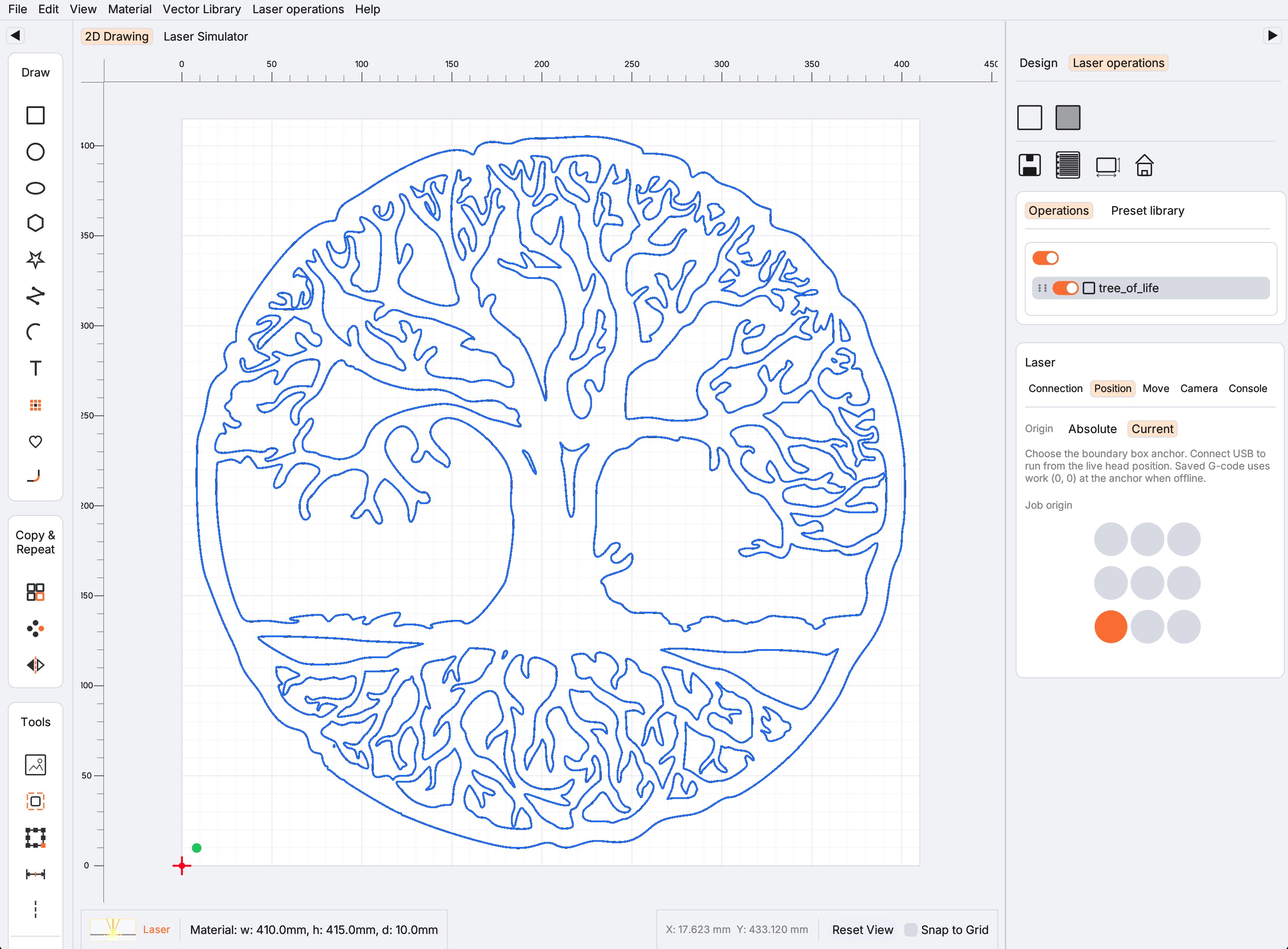
Design & drawing
- 2D design canvas with pan, zoom, and snap
- Draw rectangles, circles, ellipses, polygons, stars, polylines, arcs, and text
- QR code generator — vector QR with fill preview and G-code export
- Transform, move, resize, and rotate shapes
- Boolean union, subtract, and intersect
- Offset paths, join open paths, and apply corner fillets
- Linear and circular repeat, mirror
- Measure tool with snap to geometry
- Alignment guidelines
- Layer visibility and organisation
- Import SVG, DXF, PDF, AI, and raster images (PNG, JPEG, TIFF, WebP, GIF)
- Metric (mm) and imperial (inch) projects
- Light and dark themes
- Undo and redo
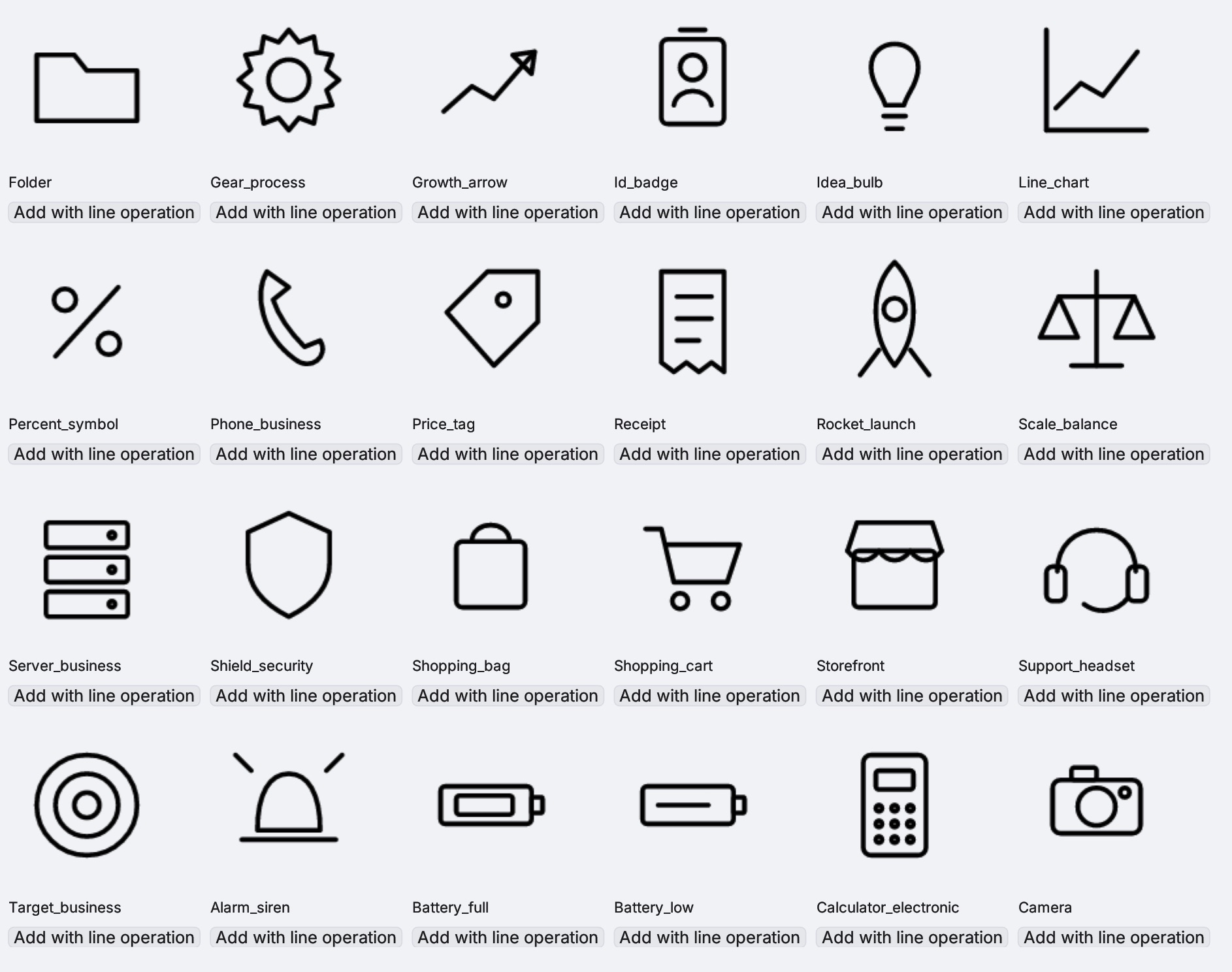
Built-in vector library
- Built-in library of ready-made vector icons
- Add icons to the canvas with a line operation in one click
- Scale, rotate, and combine library shapes with your own geometry
- Handy for signage, gifts, labels, and decorative engraving
- Add/save custom icons to the library
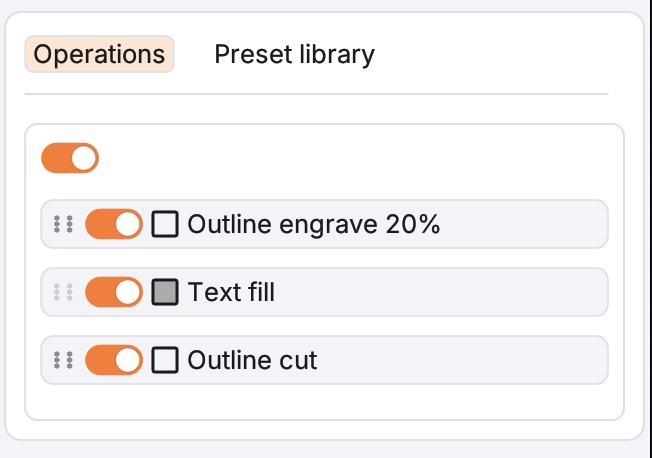
Laser operations
- Line — cut / score along paths
- Fill — engraving with line spacing and angle
- Image — import with grayscale engraving and live preview overlay
- Power, speed, passes, kerf, air assist, and dynamic power (M4) per operation
- Material preset library — grouped materials, thicknesses, and saved Cut/Fill settings
- Laser defaults for new Line and Fill operations
- Toggle laser operations on/off
- Machine profiles — controller family, max power (S value), feed limits, and recommended post-processor
- Multiple laser machines in your catalog (manual or USB-connected)
- Material test grid — generate a grid of squares with a progressive range of speed and power settings
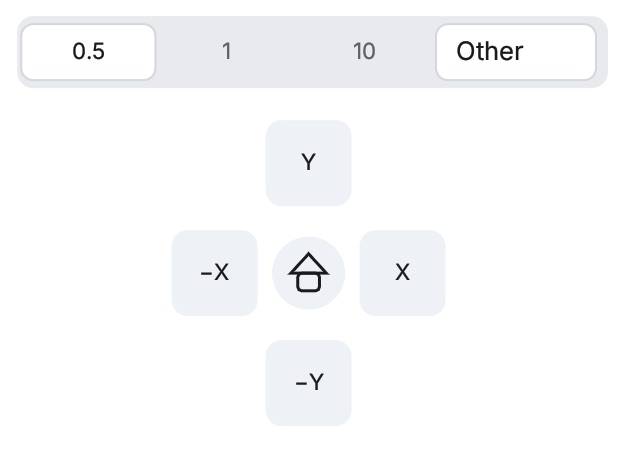
Machine control (USB)
- Auto-detect and connect to GRBL-class, grblHAL, FluidNC, and Marlin lasers over USB serial
- Connection, Position, Move, and Camera sidebar tabs
- Live position display; jog panel with adjustable feed
- Set origin (G92 work zero) and Set job start for Current-origin jobs
- Frame — trace the job boundary without firing
- Run — send G-code to the machine from the app
- Command console — send G-code and controller commands manually
- Optional auto-home on connect
- Absolute and Current work-origin modes
- Camera overlay for alignment
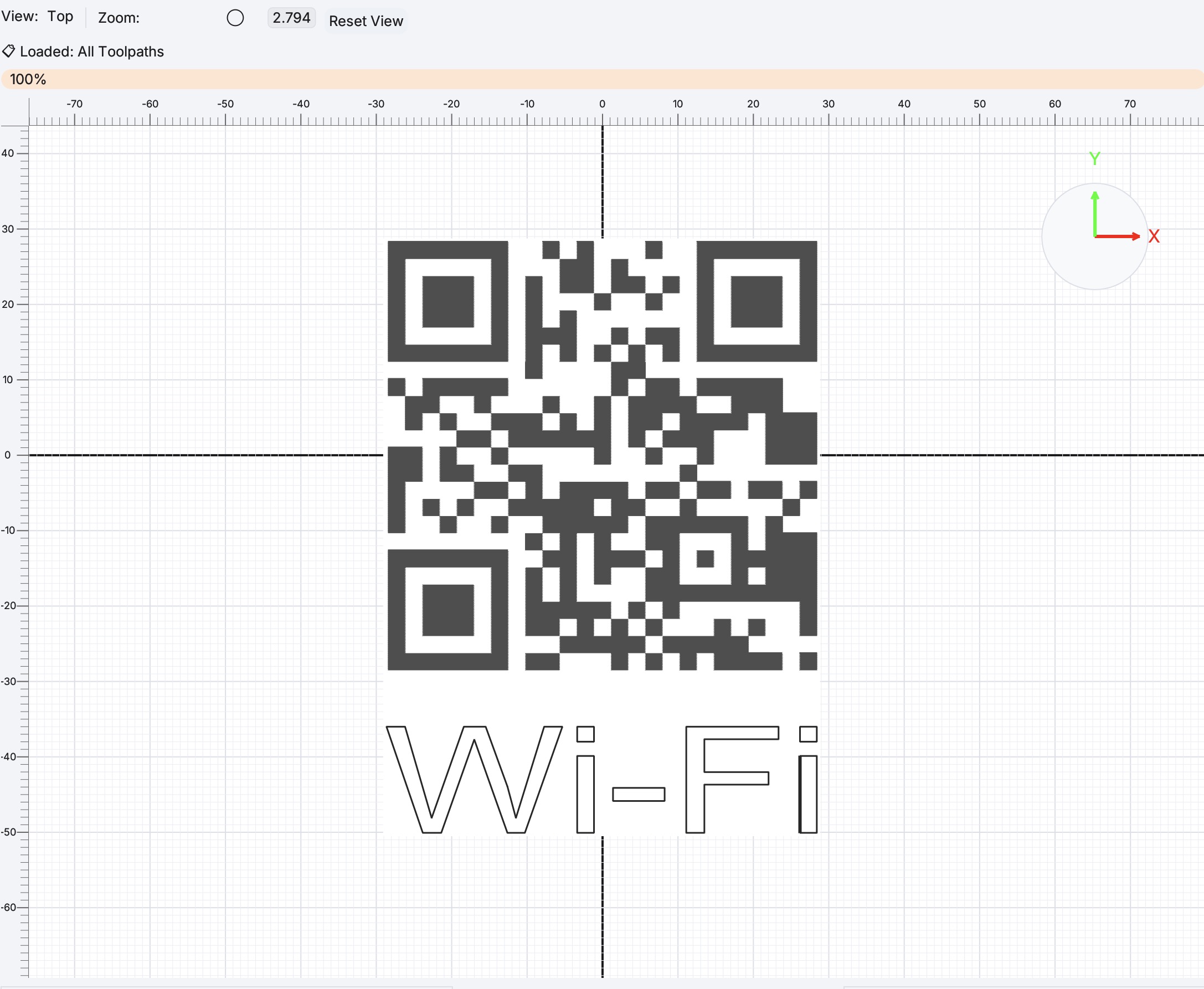
Simulation & preview
- Laser simulator — preview laser operations before export
- Fill preview on canvas for raster and image operations
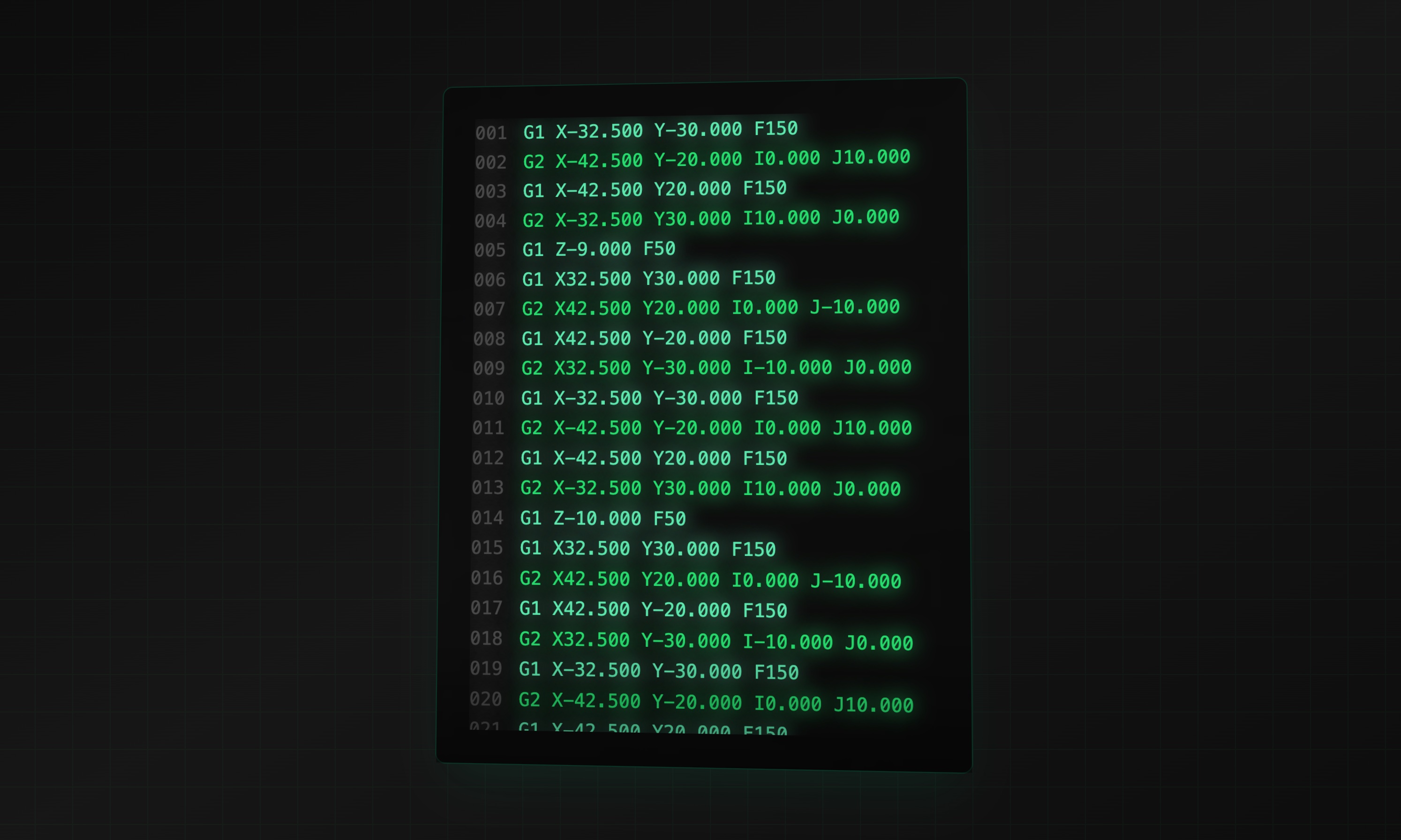
G-code & controllers
- Growing library of built-in laser post-processors: GRBL laser, LinuxCNC laser, Smoothieware laser, Marlin laser
- Import custom post-processors (TOML)
- Save operations to the project or export G-code (Absolute or Current origin)
- Material size, home position, and work zero reference point