Desktop app
GPath CNC
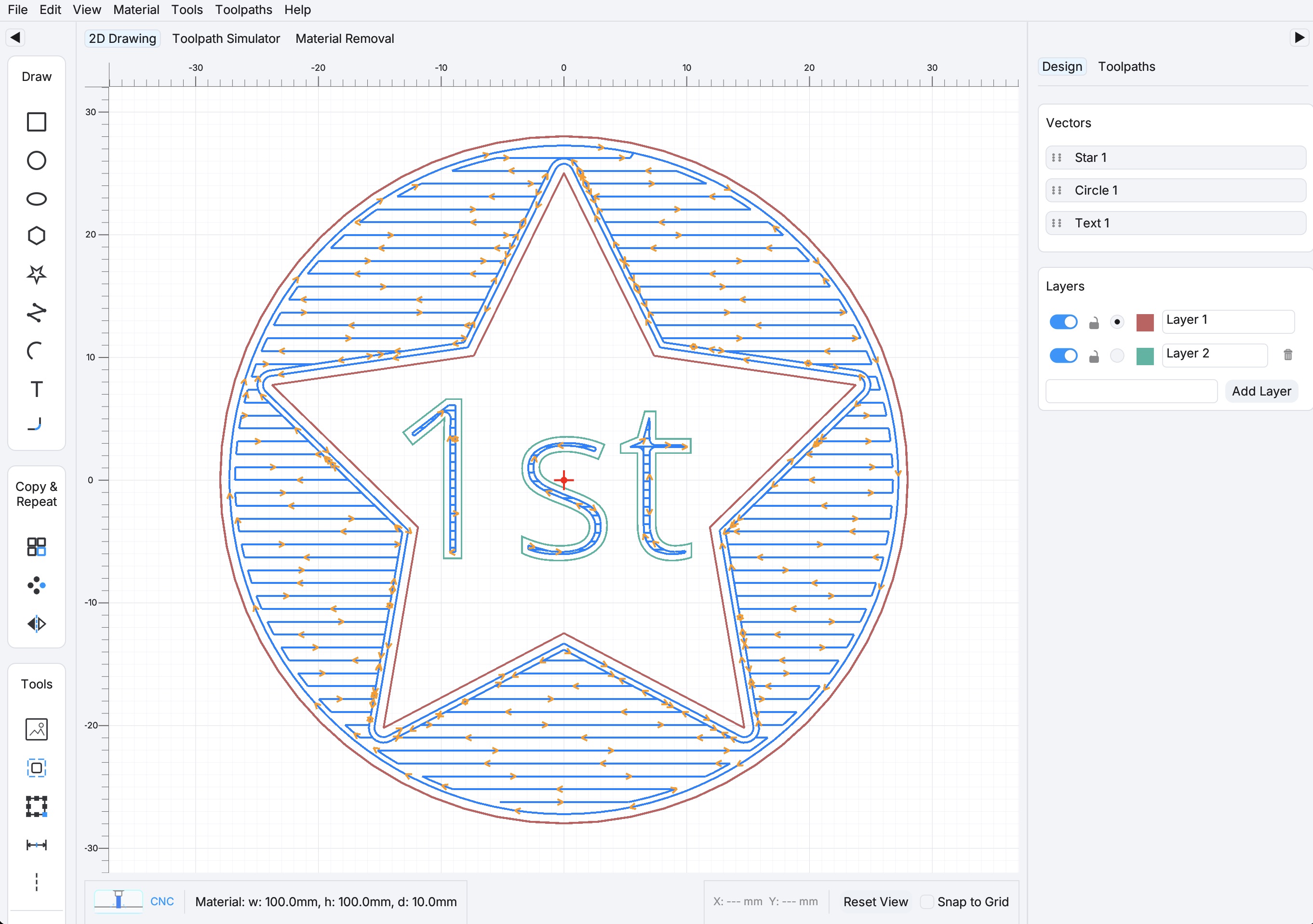
2D design software for CNC routers and milling machines.
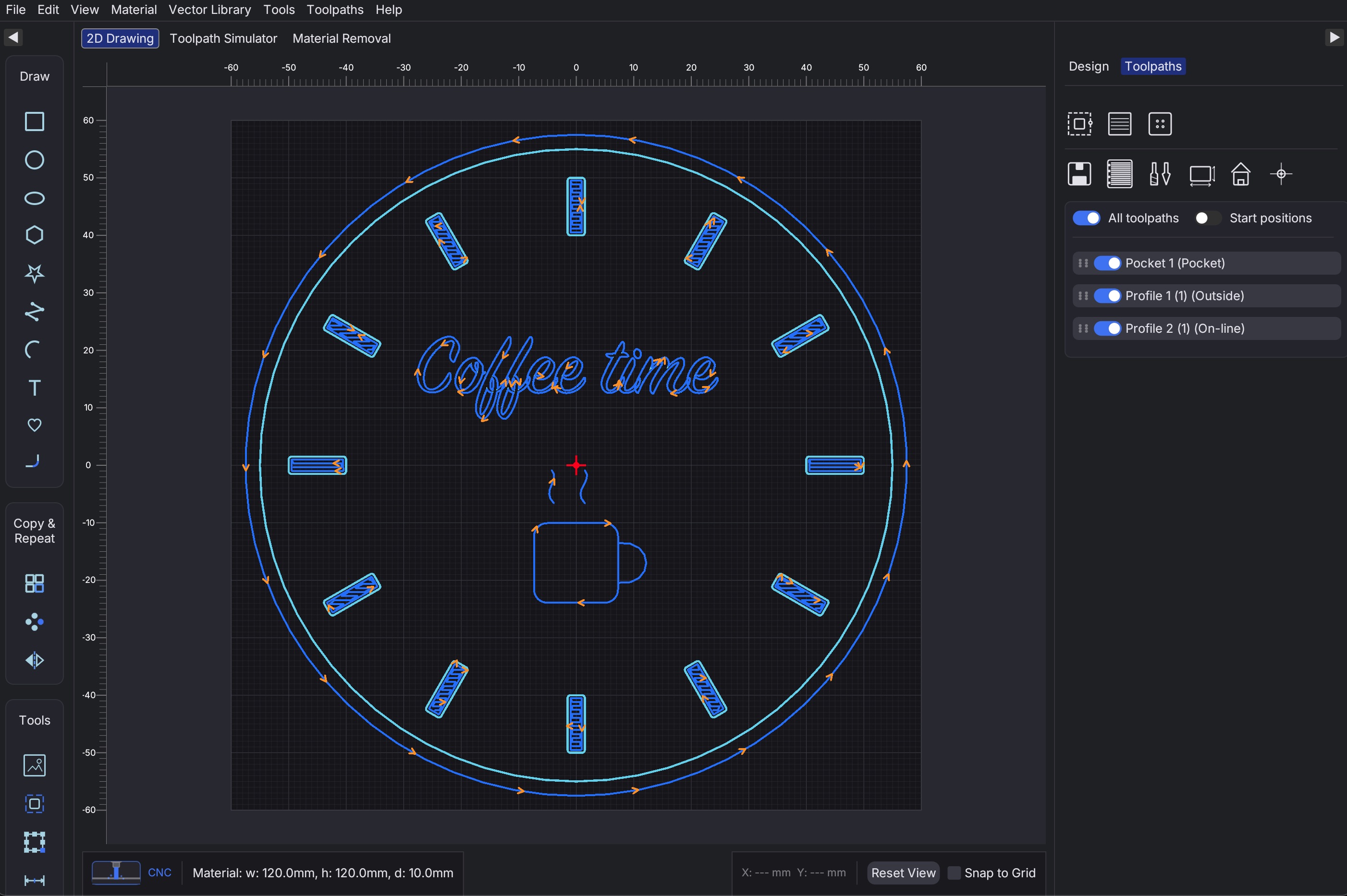
Draw parts, generate toolpaths, simulate cuts, and export G-code for your machine.
- Profile, pocket, and drill toolpaths with tool library
- Toolpath replay and material removal simulation
- Built-in post-processors for GRBL, LinuxCNC, Fanuc, Haas, and more
- macOS and Windows desktop builds
Choose how you want to buy GPath CNC
Download a free trial, subscribe monthly, or pay once for a lifetime licence.
Try GPath CNC on your machine before you buy.
30-day free trial on first launch. No credit card required.
Supported on macOS 13+ and Windows 10 64-bit and newer.
Full access to all features, billed monthly.
- Advanced operations
- All post-processor formats
- Material & tool library
- Priority support
Pay once, use forever. All features included.
- All features
- One-time payment
- Lifetime updates for current major version
- Priority support
- Always up-to-date
Built for Makers
Hobbyists | Side Hustlers | Workshops
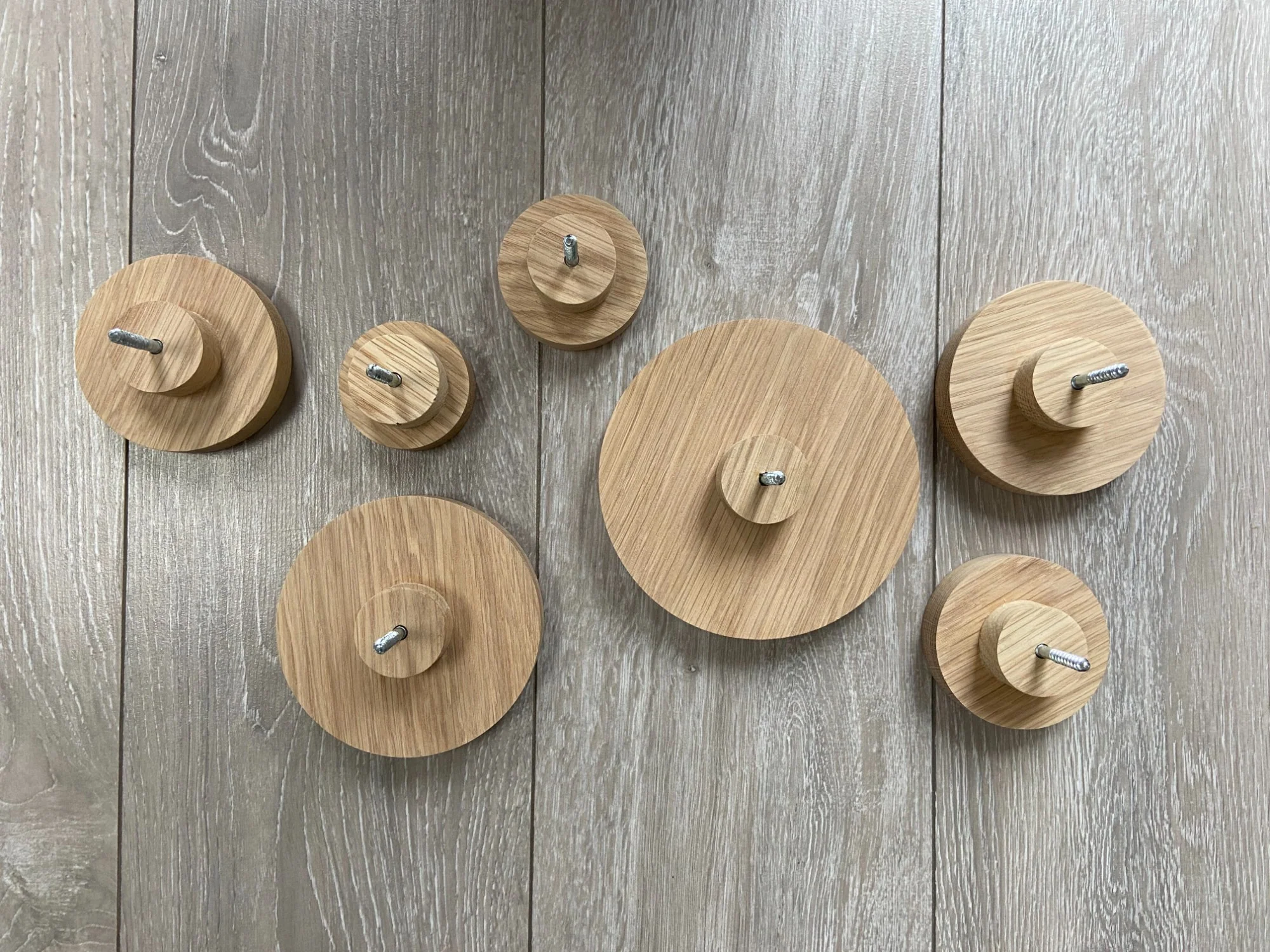
Custom Signage & Branding
CNC Woodworking & Joinery
Etsy & Online Sellers
Small Shop Production
Easy to Start
Draw in Minutes
Sketch shapes, add text, and set up your first job without a CAD background — start cutting the same day you install.
Preview, Export & Cut
Simulate toolpaths, export G-code for your controller, and send jobs to your CNC machine.
Full feature list
Everything included in GPath CNC.
Design & drawing
- 2D design canvas with pan, zoom, and snap
- Draw rectangles, circles, ellipses, polygons, stars, polylines, arcs, and text
- Transform, move, resize, and rotate shapes
- Boolean union, subtract, and intersect
- Offset paths, join open paths, and apply corner fillets
- Linear and circular repeat, mirror
- Measure tool (distance, angle, delta X/Y) with snap to geometry
- Alignment guidelines
- Layer visibility and organisation
- Import SVG, AI, and DXF artwork
- Metric (mm) and imperial (inch) projects
- Light and dark themes
- Undo and redo


Built-in vector library
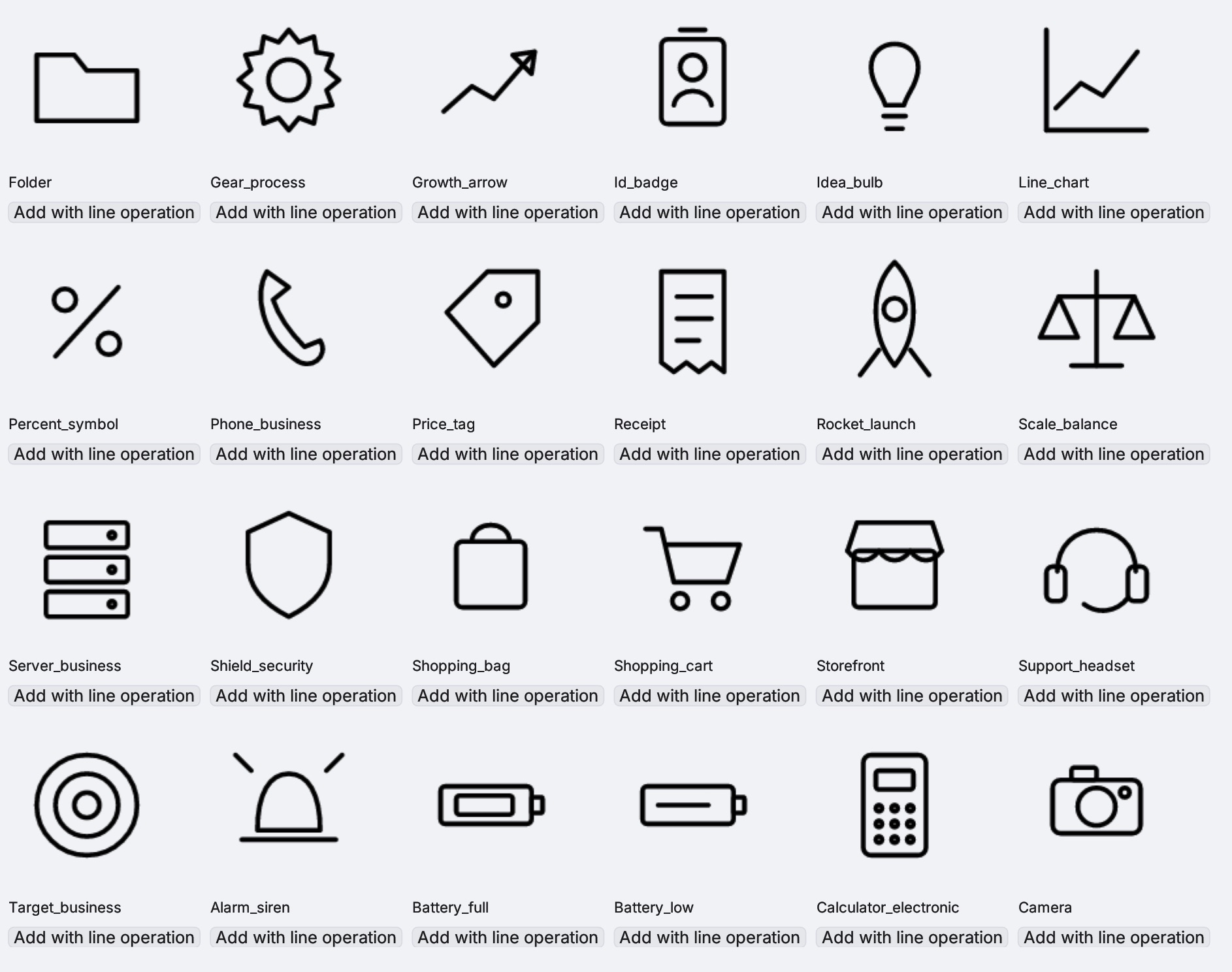
- Built-in library of ready-made vector icons
- Insert icons onto the canvas and assign toolpaths
- Scale, rotate, and combine library shapes with your own geometry
- Handy for labels, badges, panels, and decorative CNC work
- Add/save custom icons to the library
Toolpaths
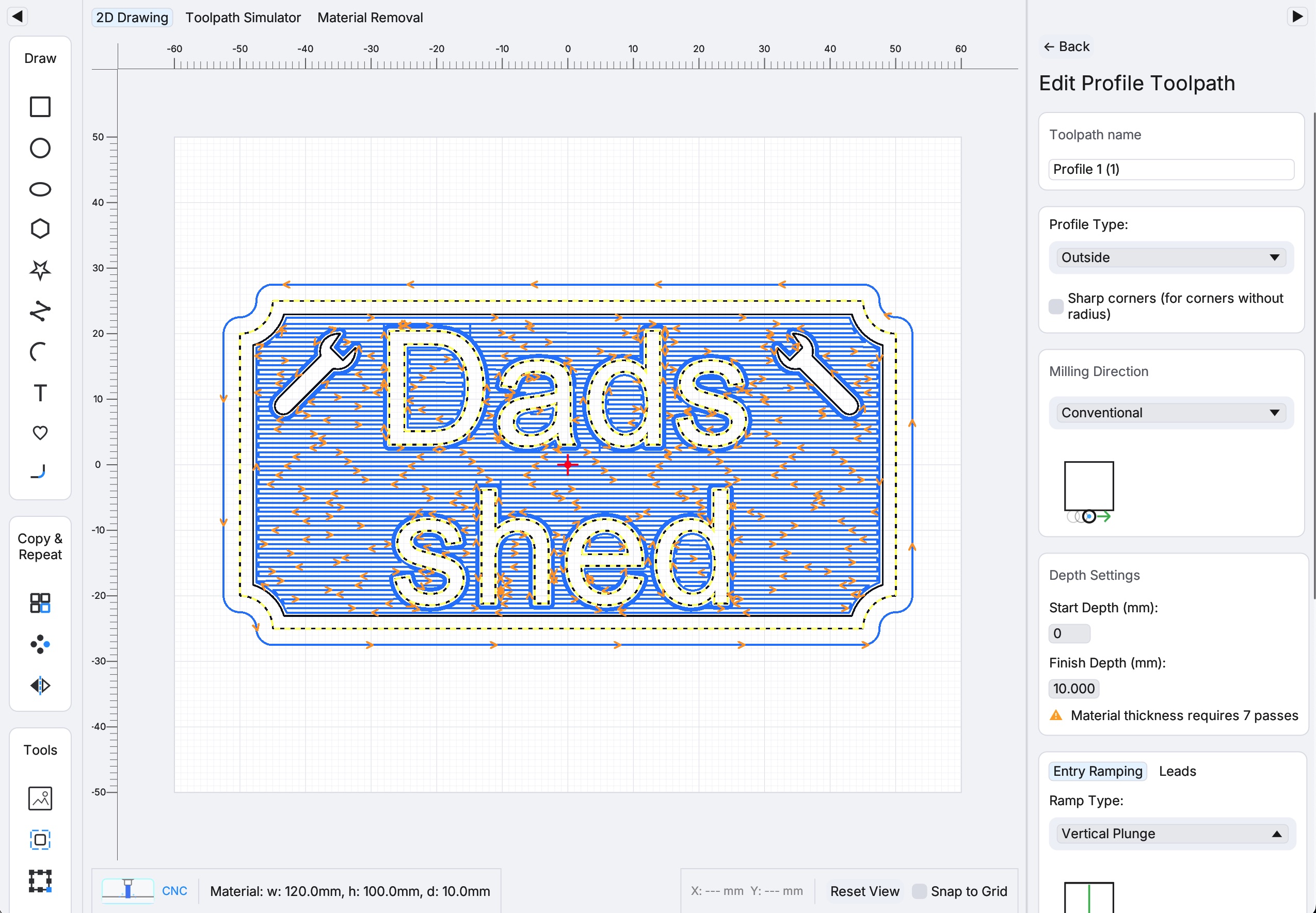
- Profile toolpaths — inside, outside, and on-line, with climb or conventional milling
- Profile ramping — smooth, zig-zag, and spiral entry moves
- Pocket / area clearance — offset or zigzag strategies, nested pocket islands, optional finishing pass
- Drill toolpaths — holes at shape centres, with optional peck drilling and retract modes
- Sharp-corner and fillet-aware pocket clearing
- Per-toolpath depth range (start and finish Z)
- Tool library — save and reuse cutters (diameter, feeds, speeds, stepover, stepdown)
- Assign multiple shapes per toolpath. Control start point on closed paths


Lead-in, lead-out & ramping
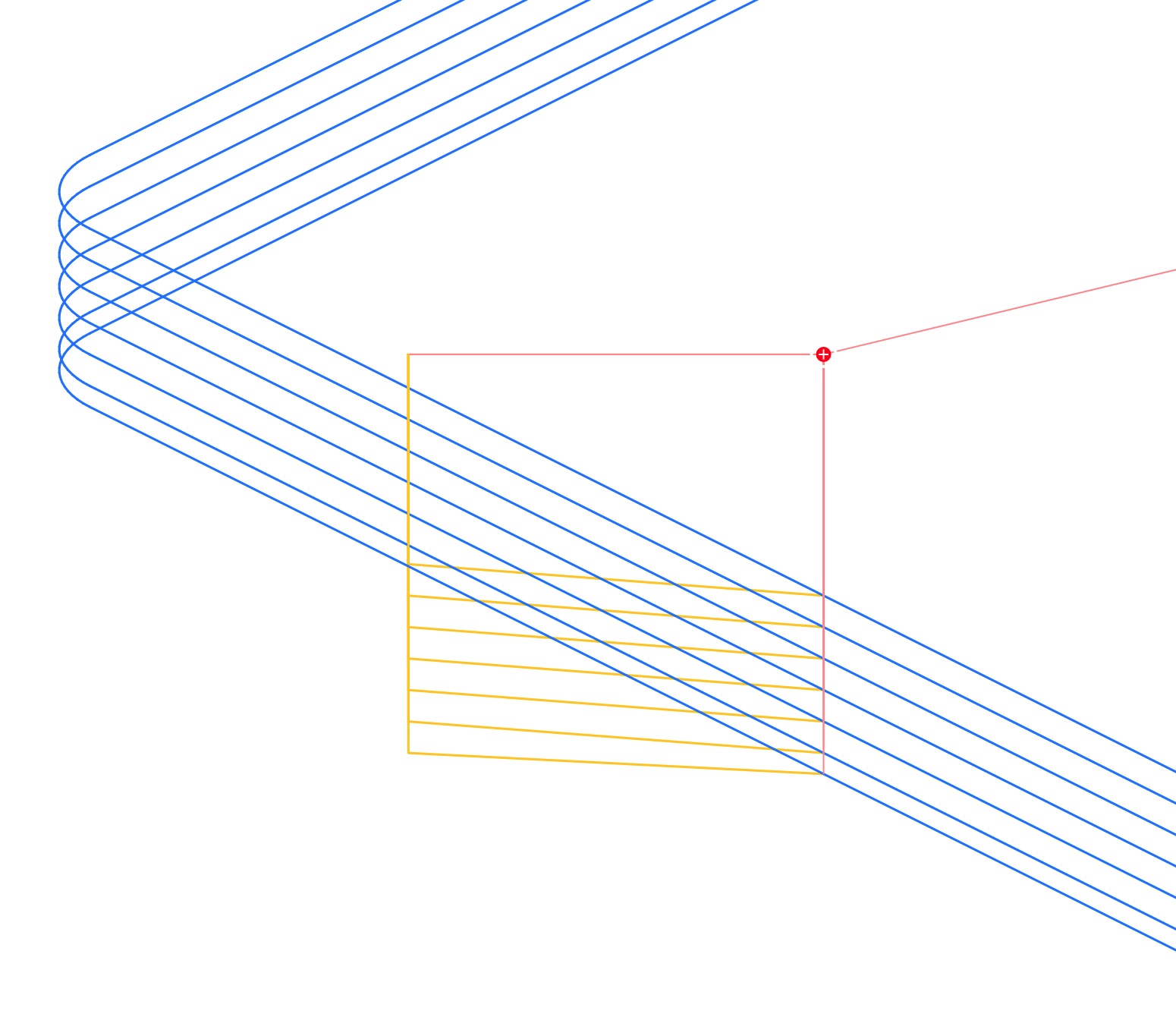
- Configurable lead-in and lead-out moves
- Smooth, zig-zag, and spiral ramping for gradual Z entry into the material
- Reduce plunge marks, chatter, and tool stress at the start of cuts
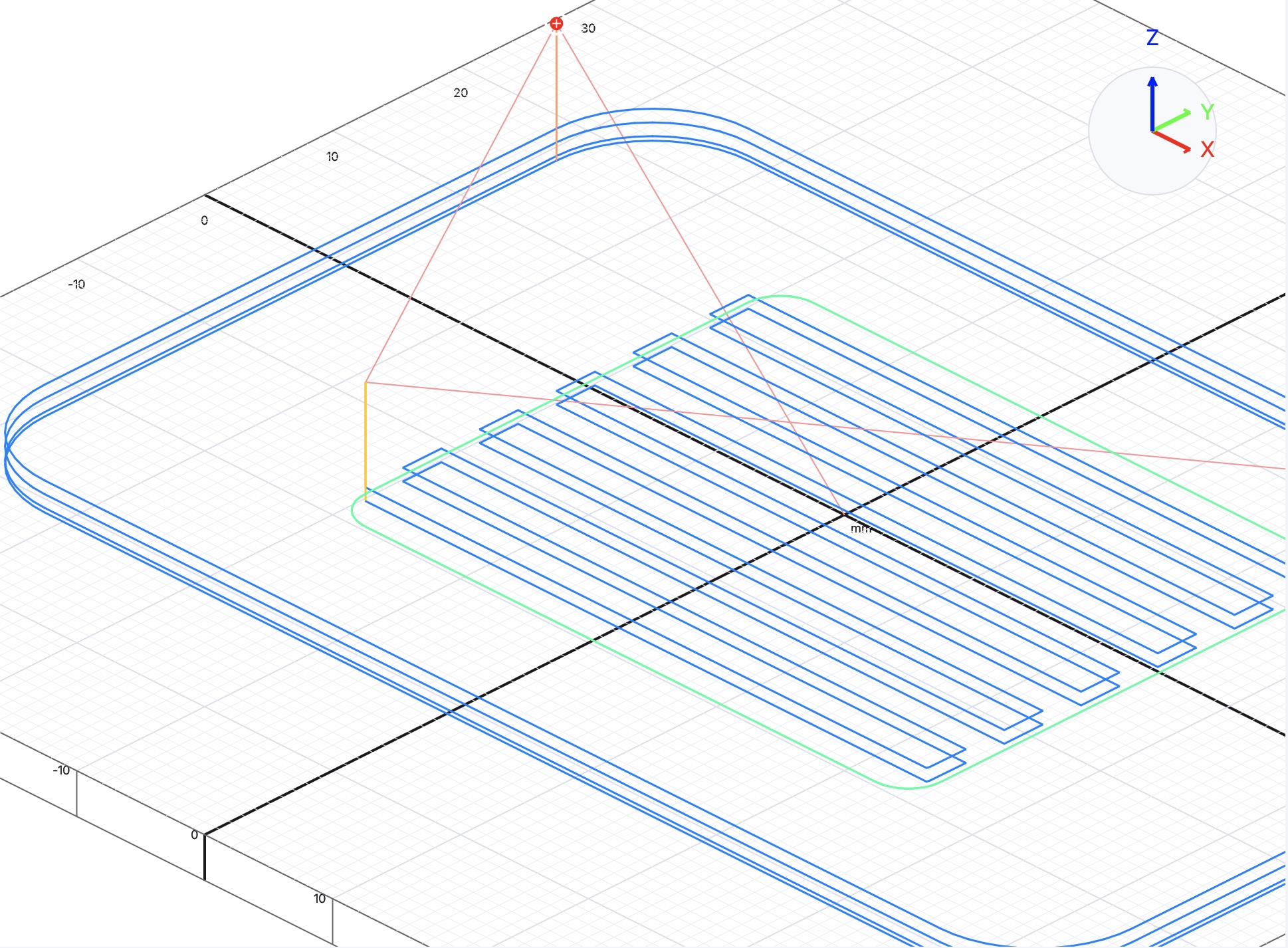
- Preview lead and ramp moves in the toolpath simulator before export
Simulation & preview
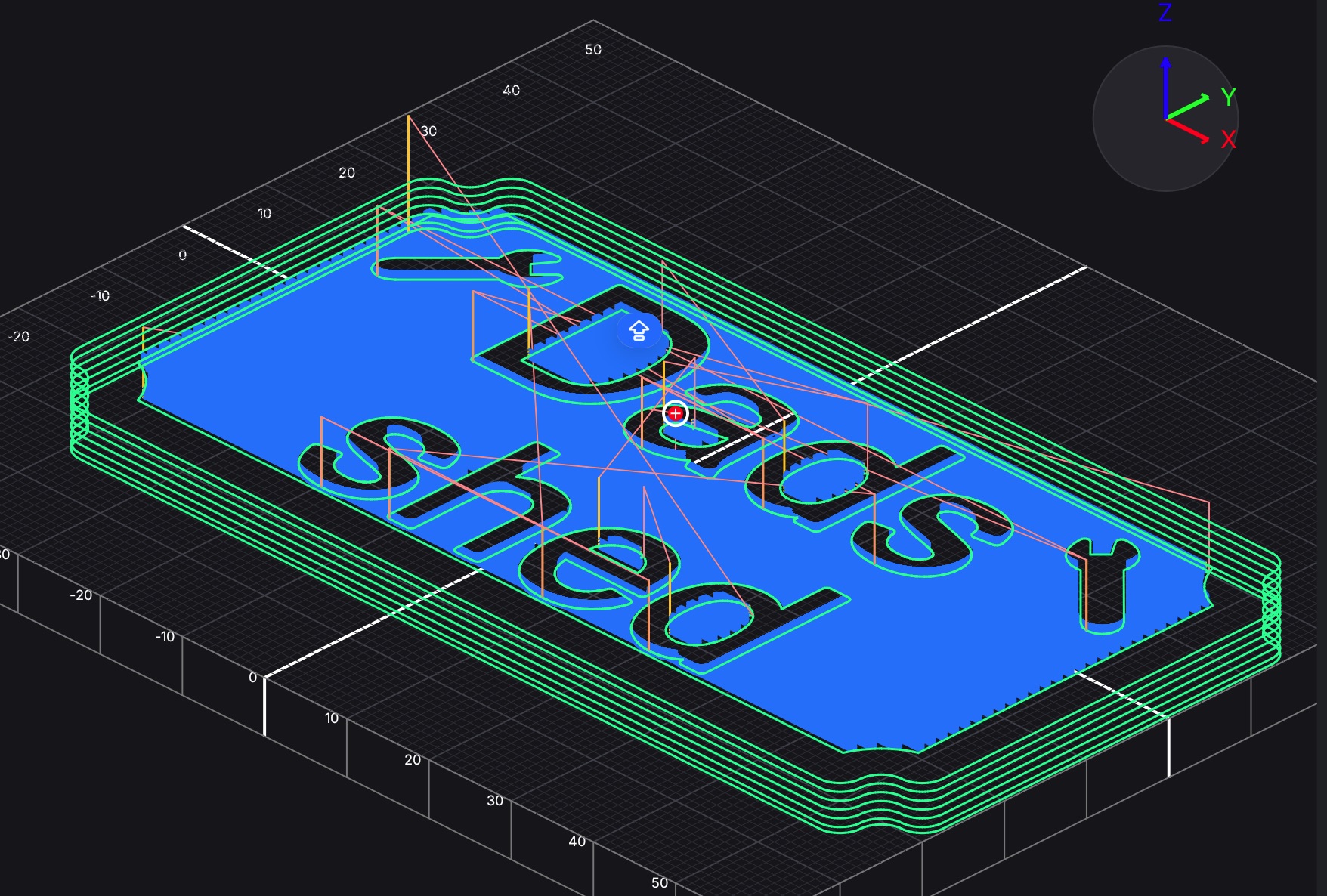
- Toolpath simulator — replay rapid and cutting moves in 2D
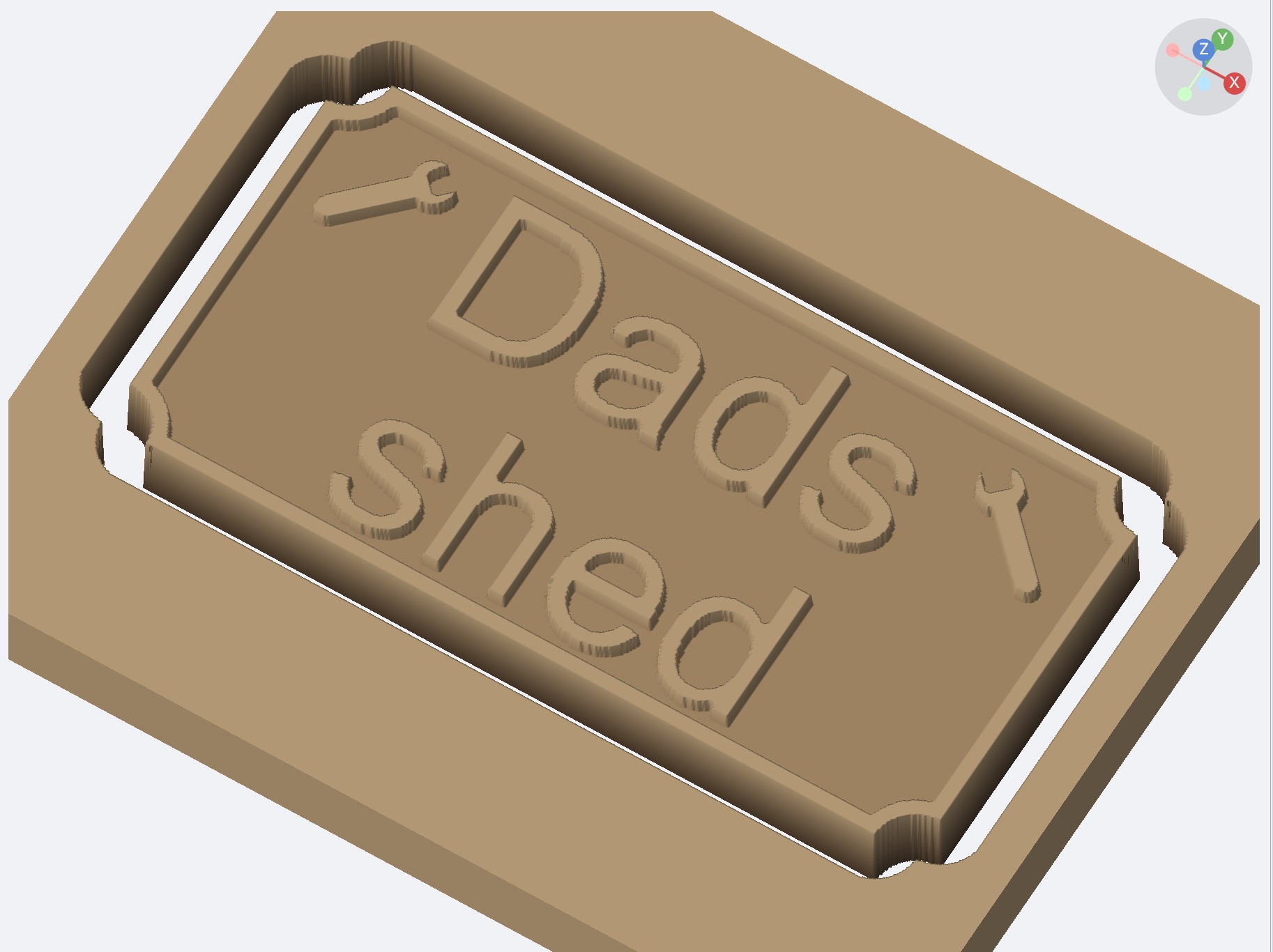
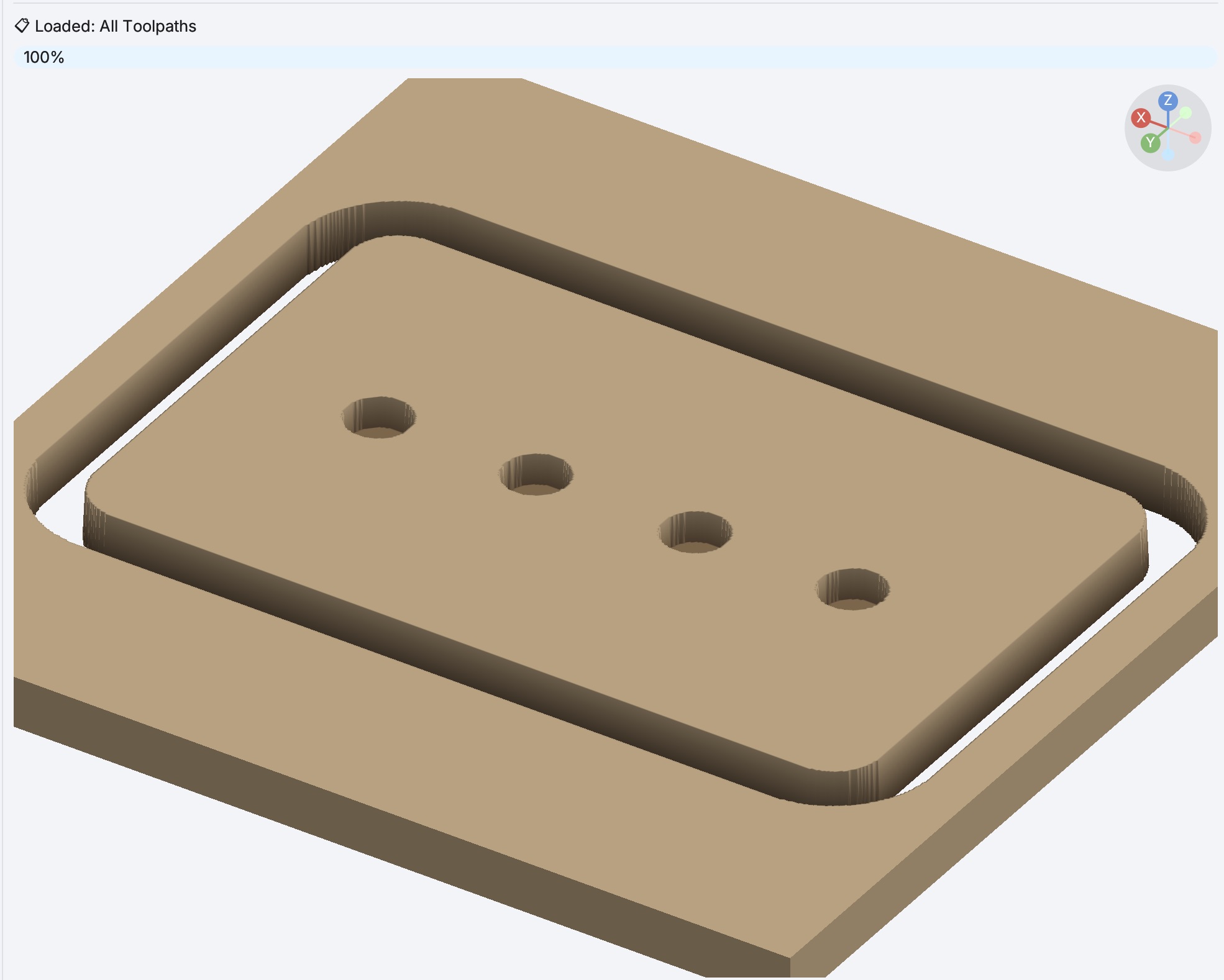
- Material removal simulator — preview how your material will look after cutting


G-code & machines
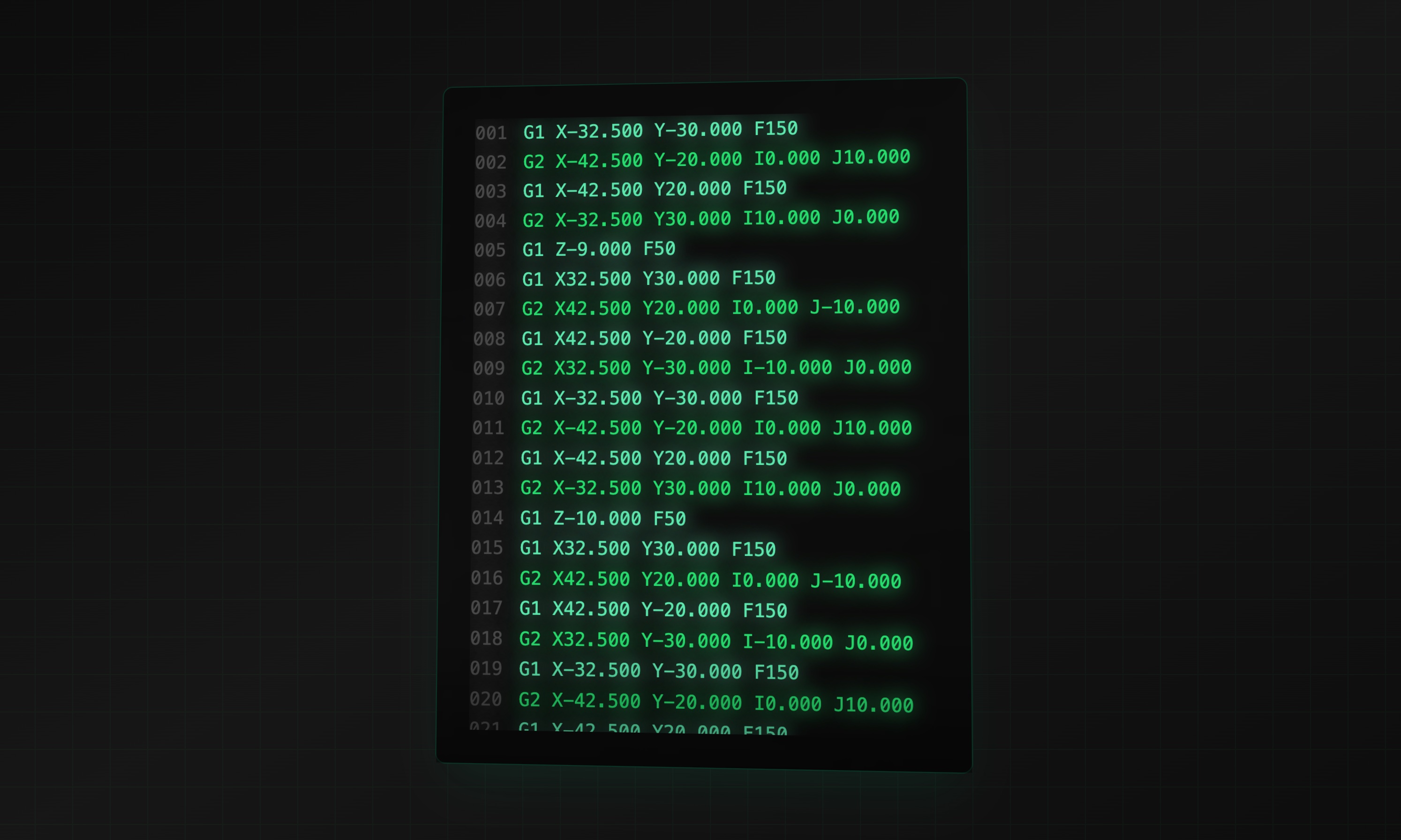
- Built-in post-processors for popular CNC controllers, including GRBL, LinuxCNC, Mach3/Mach4, Fanuc, Haas, Shopbot, Carbide Motion, PlanetCNC, WinCNC, Centroid Acorn, Buildbotics, FluidNC, Smoothieware, TinyG, Marlin, and more
- Import custom post-processors (TOML)
- Save toolpaths to the project or export combined G-code
- Material thickness, safe Z, home position, and work zero reference point