GPath Laser
Mirror
Last updated Oct 26, 2026, 7:48 PM
1. Start
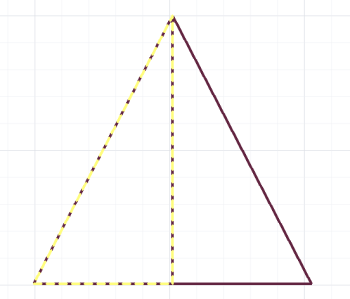
Select artwork, then click Mirror in Copy & Repeat.
2. Right sidebar
Direction
| Control | Description |
|---|---|
| Directional pad | Left, right, up, or down relative to the selection centre |
Options
| Control | Description |
|---|---|
| Create copy when mirroring | Keeps the original and adds a reflected duplicate. Uncheck to flip the selection in place |
3. Apply
Apply Mirror completes the reflection. Cancel closes the tool.
Laser tips
Mirror text or logos when cutting folded assemblies so the engraved face reads correctly after bending. Always use Create copy when you need both handed versions on one job file. Useful for Text and imported Import.