GPath Laser
Repeat (Circular)
Last updated Oct 26, 2026, 7:48 PM
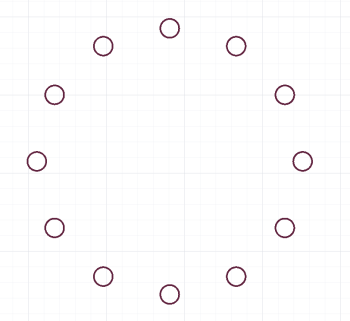
1. Activate
Select vectors, then choose Repeat (Circular) from Copy & Repeat.
2. Sidebar options
Rotation Center
| Field | Description |
|---|---|
| X, Y | Hub point. This is the location the copies are rotated around. The default is the center of your selection |
Items
| Control | Description |
|---|---|
| Number of Items | How many copies appear around the ring |
| Rotate copied items | Each copy turns to face outward (or leave unchecked to keep orientation) |
Angle
| Mode | Description |
|---|---|
| Total Angle | Full or partial circle (e.g. 360° or 180°) |
| Incremental | Fixed step between copies |
3. Finish
Apply duplicates the layout. Cancel exits.
Laser tips
Circular repeat suits clock faces, mandala segments, and spoke wheels. Place the rotation centre on a construction point using Guidelines first for accuracy. Works well with Circle and Polygon templates.